Version Control for Beginners: The Pendrive Analogy

Life Before Version Control
Imagine this: you are a developer in the 1990s, building software. There is a bug that you could not fix, and you want your colleague John to help you. You already have the source code. Now the question is, how do you transfer the code to him?
The Pendrive Problem
Maybe by using a pendrive, hard disk, email, or CDs, you can copy the code and give it to John. John copies the code into his system and starts working on it. John is a good developer and is able to fix the bug.
After fixing it, John deletes your old code, copies the updated version to the pendrive, and gives it back to you. Now you copy the code from the pendrive and see that the original bug is fixed, but there is another bug in an unexpected part of the code.

Why final_final_v2 Was Never Final
At this point, you are confused. Is the new bug your fault or John’s? There is no way to confirm that.
So what you both decide is that every time you make any change, you will not delete the old code from the pendrive. Instead, you will add the new code with the name final.

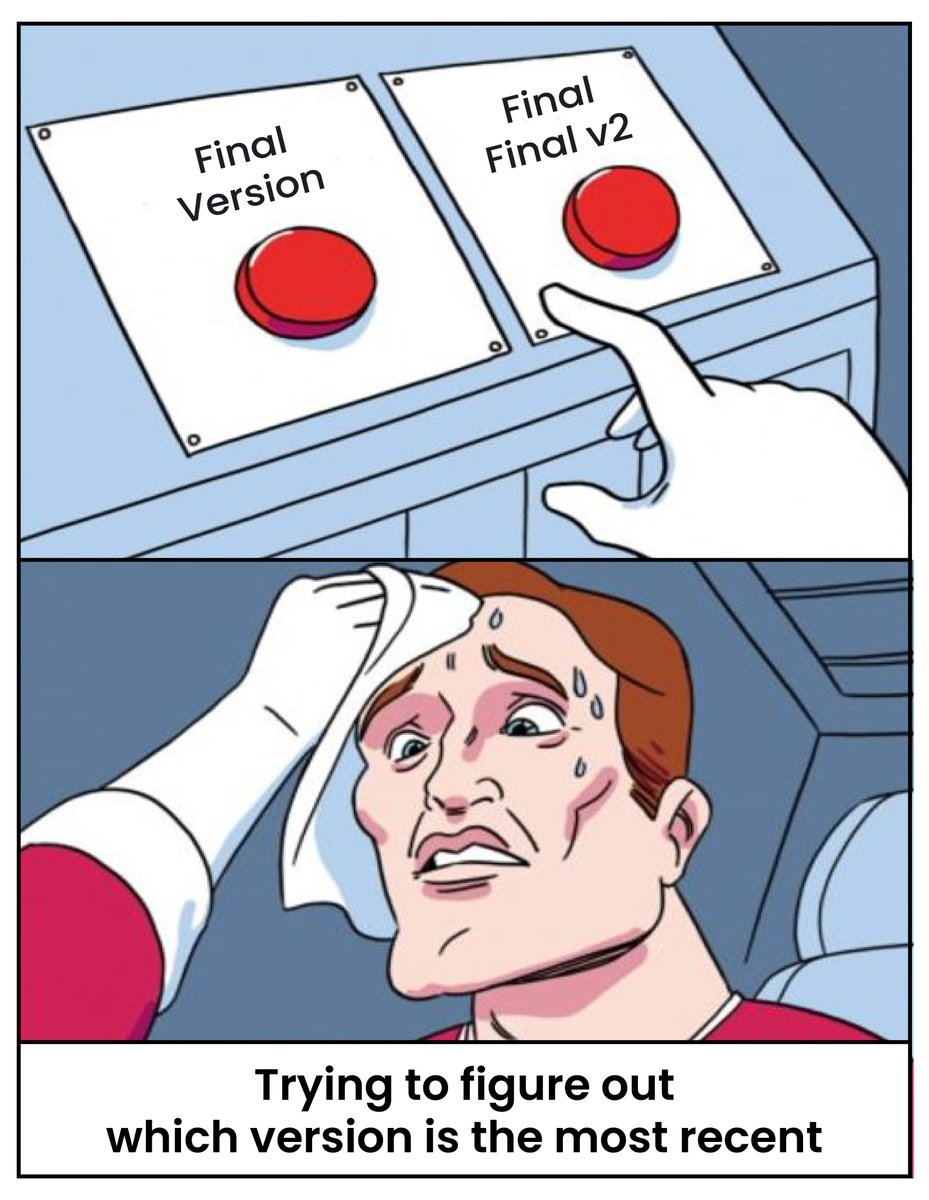
As the codebase grows, you start seeing many confusing names like final_v2, latest_final, latest_final_final, and latest_final_super_final.
Why Teams Needed a Better System
Soon, you are confused again. Which is the latest code? Who changed which part? Why are there unexpected bugs?
These are problems faced by only two developers. Now imagine adding one more developer to the team, say Will. Just imagine the chaos that will be caused.
You are extremely frustrated because you are not able to track changes in your code. So you decide to build software that can track changes in files. What this software does is whenever anyone adds or rewrites code, it keeps track of the previous changes and also records who the author was (who changed or added the code).
With this, one major problem is solved: the multiple file and folder problem. No matter how many developers are there, everyone can work in the same folder. This software is called git, and it was developed by Linus Torvalds while he was facing the same issue during the development of Linux.
What is Version Control?
Version control is a system that tracks changes made to files over time so you can see what changed, who changed it, and when it changed.
Using Version Control you can →
Tracks every change in code
Eliminates final_final_v2 folders
Prevents accidental overwrites
Provides full change history
Makes collaboration possible
Shows exactly what changed
Identifies the author of each change
However, there is still one problem: transferring code.
You are still using the pendrive. The pendrive always contains the latest code, and only one developer can work at a time. When you have the pendrive and make changes, you have the latest code, but all other developers have stale code on their systems, on which they cannot make changes.
Frustrated again, you decide to set up a central server where you install git and store your codebase. This server always contains the latest version of the code. All developers pull the code from the server, make their changes, and push it back to the server.

In this way, all developers can work simultaneously and compare their code against a single source of truth, which is the code on the server. This server is called GitHub.


